Snowflake Data Types Explained for Data Engineers
Data types are one of the most fundamental concepts in Snowflake and Data Engineering.
Every table, every column, every transformation, and every query depends on choosing the correct data type.
Many beginners underestimate data types, but in real-world enterprise systems:
Wrong data types can cause:
- Slow queries
- Storage inefficiency
- Incorrect calculations
- Data quality issues
- Higher compute cost
- Pipeline failures
Understanding Snowflake data types properly is extremely important for:
- Schema design
- Performance optimization
- Storage optimization
- Data quality
- ETL pipelines
- Snowflake interviews
Let’s understand everything step-by-step in the simplest possible way with real-world examples.
Why Data Types Matter
Think about containers in a kitchen.
- Rice → Large container
- Spices → Small container
- Milk → Bottle
If you store milk in a spice container:
- It spills
- Storage becomes inefficient
- Things become messy
Databases work similarly.
Choosing the wrong data type creates:
- Inefficient storage
- Slower processing
- Incorrect results
- Poor performance
This is why proper schema design matters.
Main Categories of Snowflake Data Types
Snowflake mainly provides 4 important categories of data types:
- Numeric Data Types
- String Data Types
- Date & Time Data Types
- Semi-Structured Data Types
Additionally:
- Binary Data Types
- Boolean Data Types
- Geospatial Data Types
also exist for specialized use cases.
1. Numeric Data Types
Numeric data types are used for storing numbers.
Very common in:
- Sales data
- Financial systems
- Metrics
- Counts
- Machine learning outputs
- Aggregations
Common Numeric Data Types
| Data Type | Usage |
|---|---|
| INTEGER | Whole numbers |
| NUMBER / DECIMAL | Fixed precision numbers |
| FLOAT | Approximate decimal values |
| DOUBLE | Large floating-point values |
INTEGER
Used for:
- Counts
- IDs
- Quantities
- Whole numbers
Example
CREATE TABLE sales (
  quantity INTEGER
);
NUMBER / DECIMAL
Used when:
Precision is extremely important.
Common for:
- Financial data
- Currency
- Revenue
- Billing systems
Example
CREATE TABLE finance (
  amount NUMBER(10,2)
);
This means:
- Total digits = 10
- Decimal digits = 2
Real-World Example
In marketing analytics projects:
- Product Price → NUMBER(10,2)
- Revenue → NUMBER
- Ad Spend → NUMBER
Because financial accuracy matters.
FLOAT
Used for approximate decimal values.
Useful for:
- Scientific calculations
- Machine learning scores
- Prediction outputs
Example
CREATE TABLE predictions (
  score FLOAT
);
Important Interview Concept
NUMBER vs FLOAT
| NUMBER | FLOAT |
|---|---|
| Exact precision | Approximate precision |
| Financial systems | Scientific calculations |
| Safer for money | Faster for large computations |
Best Practice
Use:
NUMBER
when precision matters.
Especially in:
- Banking
- Billing
- Financial analytics
2. String Data Types
String data types store text values.
Very commonly used in analytics systems.
Common String Types
| Data Type | Usage |
|---|---|
| VARCHAR | Variable-length text |
| STRING | Alias of VARCHAR |
| TEXT | Alias of VARCHAR |
| CHAR | Fixed-length text |
VARCHAR
Most commonly used string type in Snowflake.
Stores:
- Names
- Emails
- Product names
- Campaign names
- Geography values
Example
CREATE TABLE customer (
  name VARCHAR,
  country VARCHAR,
  email VARCHAR
);
Why Snowflake VARCHAR is Different
Traditional databases often require:
VARCHAR(100)
VARCHAR(255)
But Snowflake handles VARCHAR more flexibly.
You usually do not need to worry excessively about string length.
This simplifies schema design.
Real-World Example
In enterprise analytics projects:
| Column | Type |
|---|---|
| Brand Name | VARCHAR |
| Campaign Name | VARCHAR |
| Geography | VARCHAR |
| Customer Email | VARCHAR |
Why CHAR is Less Common
CHAR stores fixed-length strings.
Example:
CHAR(10)Even small values consume fixed space.
In modern analytics systems:
VARCHAR is preferred in most cases.
3. Date & Time Data Types
Date and time handling is extremely important in analytics systems.
Almost every Data Engineering pipeline depends on timestamps.
Common Date & Time Types
| Data Type | Usage |
|---|---|
| DATE | Only date |
| TIME | Only time |
| TIMESTAMP | Date + time |
| TIMESTAMP_NTZ | No timezone |
| TIMESTAMP_LTZ | Local timezone |
| TIMESTAMP_TZ | Timezone-aware |
DATE
Stores only date.
Example
CREATE TABLE orders (
  order_date DATE
);
Useful for:
- Fiscal reporting
- Daily sales
- Partition filtering
TIMESTAMP
Stores:
- Date
- Time
- Milliseconds
Very important for:
- ETL pipelines
- Logging
- Audit systems
- Event tracking
Example
CREATE TABLE logs (
  created_at TIMESTAMP
);
Real-World Example
In production pipelines:
| Column | Type |
|---|---|
| Fiscal Month | DATE |
| Pipeline Runtime | TIMESTAMP |
| Event Time | TIMESTAMP |
Important Interview Topic
TIMESTAMP_NTZ vs LTZ vs TZ
| Type | Meaning |
|---|---|
| TIMESTAMP_NTZ | No timezone |
| TIMESTAMP_LTZ | Local timezone conversion |
| TIMESTAMP_TZ | Explicit timezone stored |
This is a very common Snowflake interview question.
Best Practice
For enterprise systems:
TIMESTAMP_NTZ
is often preferred unless timezone conversion is required.
4. Semi-Structured Data Types (Very Important in Snowflake)
This is where Snowflake becomes extremely powerful.
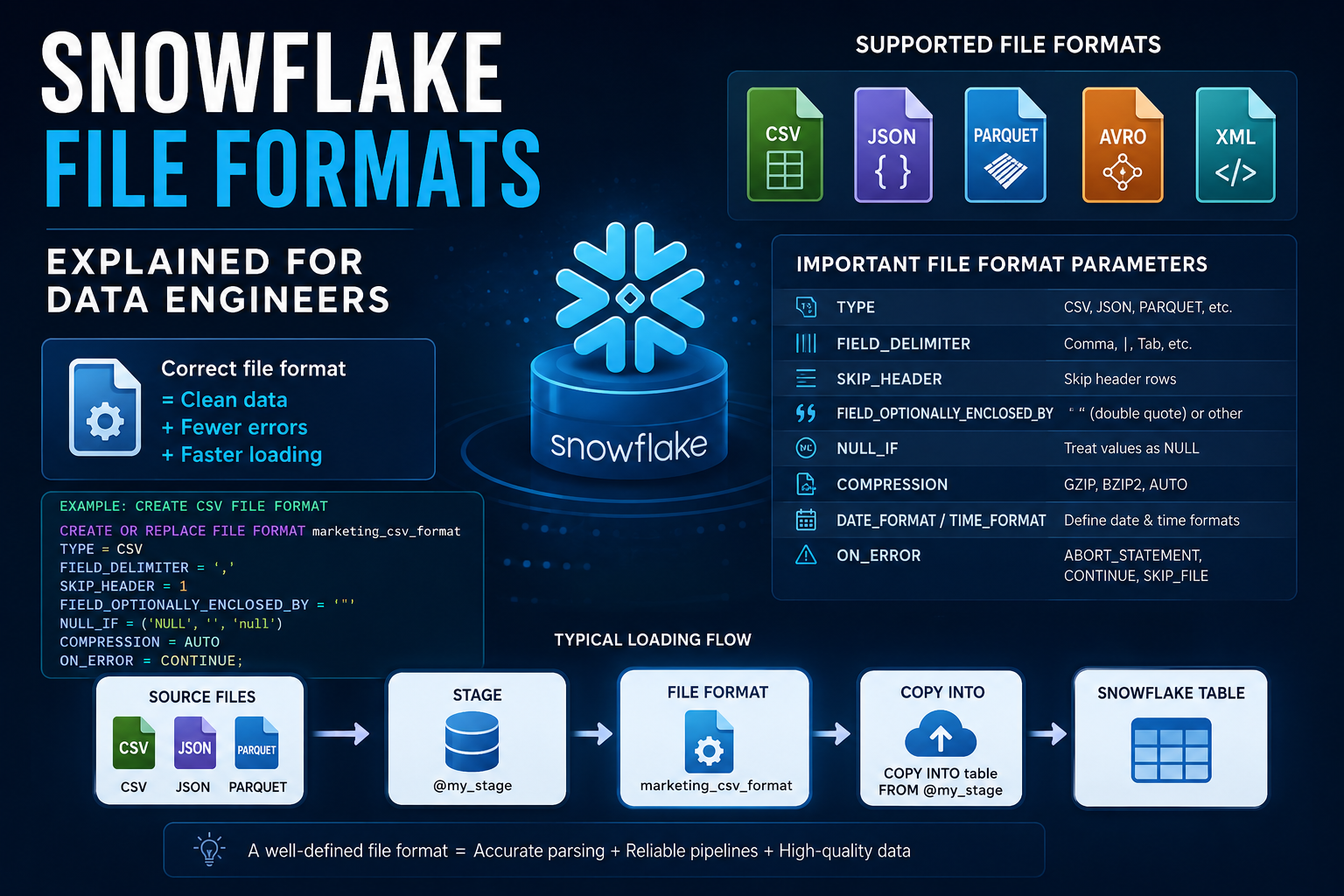
Snowflake natively supports:
- JSON
- XML
- Avro
- ORC
- Parquet
through:
Semi-Structured Data Types
Important Semi-Structured Types
| Type | Usage |
|---|---|
| VARIANT | Flexible semi-structured data |
| OBJECT | Key-value structure |
| ARRAY | List structure |
VARIANT (Most Important)
VARIANT can store:
- JSON
- XML
- Nested objects
- Complex structures
This is one of Snowflake’s strongest features.
Example
CREATE TABLE raw_json (
  data VARIANT
);
Querying JSON
SELECT data:country
FROM raw_json;
Snowflake directly reads JSON fields.
No complex parsing required.
Real-World Example
In real enterprise systems:
- API logs
- Marketing campaign payloads
- Kafka events
- S3 raw JSON files
are commonly stored using:
VARIANT
This makes Snowflake extremely flexible for modern data platforms.
Why VARIANT is Powerful
Traditional databases struggle with nested JSON.
Snowflake handles it naturally.
This is a huge advantage in:
- Data lakes
- Event-driven systems
- API ingestion
- Streaming pipelines
OBJECT Data Type
OBJECT stores key-value structures.
Example:
{
  "name": "Soumya",
  "country": "India"
}
ARRAY Data Type
ARRAY stores list-like structures.
Example:
["SQL", "Snowflake", "PySpark"]5. Binary Data Types
Used for binary content.
Example:
- Images
- Encoded files
- Binary payloads
Example
CREATE TABLE files (
  file_data BINARY
);
Not very common in analytics workloads.
6. Boolean Data Type
Stores:
TRUE / FALSEVery useful for:
- Status flags
- Active indicators
- Boolean conditions
Example
CREATE TABLE users (
  is_active BOOLEAN
);
Data Type Conversion in Snowflake
ETL pipelines frequently require type conversion.
Especially when loading:
- CSV files
- JSON payloads
- Raw API data
Common Conversion Functions
| Function | Usage |
|---|---|
| TO_DATE | String → Date |
| TO_NUMBER | String → Number |
| TO_TIMESTAMP | String → Timestamp |
Example
SELECT TO_DATE('2026-02-01');SELECT TO_NUMBER('123');Real-World ETL Example
Suppose client sends CSV:
price = "100"Initially it is stored as string.
During ETL:
TO_NUMBER(price)converts it into numeric format.
Very common in Data Engineering pipelines.
Best Practices for Snowflake Data Types
1. Use NUMBER for Financial Data
Avoid FLOAT for money.
2. Use INTEGER for Counts
Better performance and cleaner schema.
3. Use TIMESTAMP for Logs
Important for audit tracking.
4. Use VARIANT for Raw JSON
Especially for ingestion layers.
5. Avoid Storing Numbers as VARCHAR
Causes poor filtering and slower queries.
6. Use Proper Date Columns
Improves partition pruning and filtering.
7. Choose Correct Precision
Avoid oversized numeric precision unnecessarily.
Real-World Enterprise Example
Suppose marketing analytics platform contains:
| Column | Recommended Type |
|---|---|
| Revenue | NUMBER(12,2) |
| Campaign Name | VARCHAR |
| Event Timestamp | TIMESTAMP |
| API Payload | VARIANT |
| User Active Flag | BOOLEAN |
Proper schema design improves:
- Performance
- Storage efficiency
- Query speed
- Data quality
Common Snowflake Interview Questions
Beginner Level
- What are the main Snowflake data type categories?
- Difference between NUMBER and FLOAT?
- What is VARCHAR?
- What is VARIANT?
- Can Snowflake store JSON natively?
Intermediate Level
- Difference between TIMESTAMP_NTZ and TIMESTAMP_LTZ?
- Why is VARIANT important?
- Why avoid storing numbers as VARCHAR?
- What is semi-structured data?
- How does Snowflake handle JSON querying?
Scenario-Based Questions
- Which data type would you use for financial transactions?
- How would you design schema for API ingestion?
- Why did filtering become slow on VARCHAR numeric columns?
- How would you optimize timestamp handling?
- When should you use VARIANT instead of relational columns?
These are extremely common interview topics for Snowflake and Data Engineering roles.
Key Takeaways
- Data types directly impact performance and storage
- NUMBER is preferred for financial precision
- VARCHAR is widely used for text data
- TIMESTAMP is critical for pipelines and analytics
- VARIANT enables native JSON handling
- Proper schema design improves query performance
- Snowflake semi-structured support is one of its biggest strengths
Choosing the right data type is one of the foundational skills of a strong Data Engineer.
What’s Next?
In the next article, we will learn:
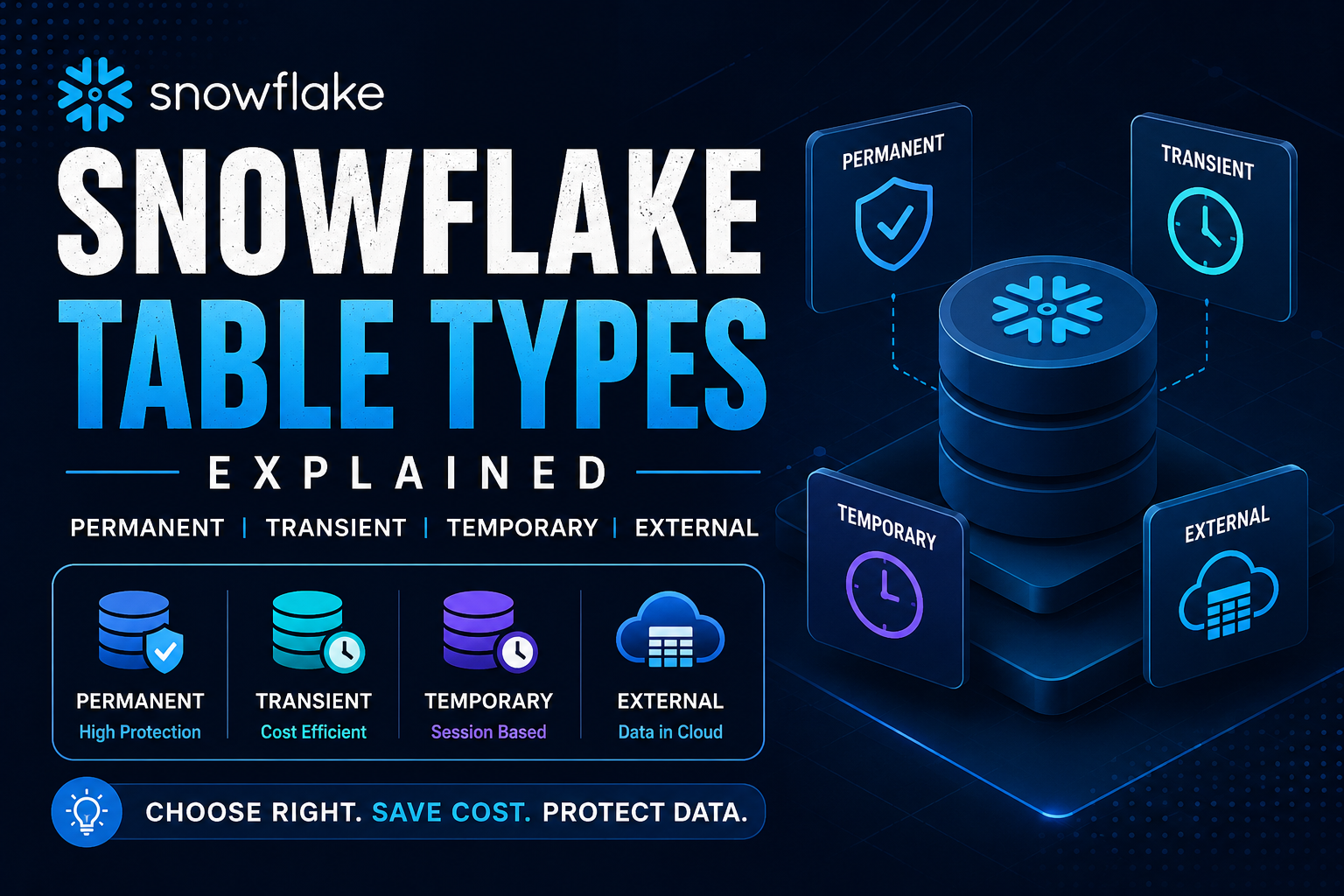
Snowflake Table Types Explained
We will cover:
- Permanent tables
- Temporary tables
- Transient tables
- External tables
- Iceberg tables
- Real-world ETL design strategies
- Cost optimization concepts
because understanding table design is extremely important for building scalable Snowflake data platforms.
If this article helped you, continue following the Snowflake Fundamentals learning path to master Snowflake step-by-step with practical examples, interview-focused concepts, architecture understanding, and real-world Data Engineering scenarios.